Overview
Volume Profile is an advanced charting study that revolutionizes how traders understand market structure. Unlike traditional volume bars that display volume per time period, Volume Profile organizes trading activity by price level, revealing exactly where significant buying and selling occurred. This volume-at-price approach provides insights that time-based analysis simply cannot offer.
New to Volume Profile? Start with our Volume Profile Complete Guide for a beginner-friendly introduction to auction theory, key concepts, and basic trading strategies.
At its core, Volume Profile is rooted in auction theory principles. Markets constantly search for fair value through price discovery, with participants expressing acceptance or rejection at various price levels. When volume concentrates at a price, it signals consensus between buyers and sellers. When volume is sparse, the market has rejected that price as fair value, often leading to rapid price movement through these zones.
The applications span multiple trading styles. Day traders use session profiles to identify intraday support and resistance. Swing traders analyze composite profiles across multiple sessions to spot significant levels that may not appear on single-day views. Institutional traders rely on Volume Profile to understand where large positions were accumulated and where other participants are likely to defend their entries.
Key Benefits
- Identify genuine support and resistance based on actual volume
- Find optimal entry and exit points using POC and value area
- Understand market structure and auction theory principles
- Anticipate fast-moving price zones through LVN analysis
Key Components
Point of Control (POC)
The Point of Control is the price level with the highest traded volume within the profile period. It represents the "fairest price" where both buyers and sellers found the most agreement during that time frame. Think of the POC as a magnet for price: when price moves away from the POC, there is often a gravitational pull back toward this equilibrium level.
Traders frequently use the POC as a pivot point for their analysis. Previous session POCs often act as key reference levels for the current day. When price approaches a prior POC, watch for reactions: acceptance (price rotates around the level) or rejection (price quickly moves away). The POC from the overnight session versus the regular trading hours session can provide insights into different participant behavior.
Value Area (VA)
The Value Area encompasses approximately 70% of the trading volume within the profile period. This percentage originates from the TPO Market Profile methodology developed by Peter Steidlmayer at the Chicago Board of Trade, based on the statistical concept that one standard deviation of a normal distribution contains roughly 68.2% of the data. Many traders round this to 70% for simplicity.
The boundaries of the Value Area, the Value Area High (VAH) and Value Area Low (VAL), serve as critical support and resistance levels. These are not arbitrary lines but represent the range where most participants agreed that price was fair. When price trades outside the Value Area, it indicates that the market is exploring new territory and seeking acceptance at different levels.
Value Area High (VAH) and Value Area Low (VAL)
The VAH marks the upper boundary of the Value Area and often acts as resistance. When price approaches VAH from below, traders watch for rejection (potential short entry) or acceptance above (breakout continuation). The VAL functions similarly as support. In overnight and extended hours trading, these levels from the prior regular session carry particular weight, as many institutional orders reference these prices.
High Volume Nodes (HVN)
High Volume Nodes are price levels with significant trading activity, visible as thick horizontal bars in the profile. These areas represent prices where many traders built positions, creating psychological attachment and financial incentive to defend those levels. HVNs often cluster around whole numbers, option strike prices, and prior session reference levels.
Traders at HVNs tend to defend their positions because moving away from their entry price creates drawdown. This defensive behavior creates support when price tests from above and resistance when price tests from below. The thicker the HVN, the more participants are likely positioned there, and the stronger the potential support or resistance.
Low Volume Nodes (LVN)
Low Volume Nodes, sometimes called "vacuum zones," are price levels with minimal trading activity. These thin areas in the profile represent prices that the market rejected as fair value. When price enters an LVN, there are few resting orders to slow its movement, often resulting in rapid price traversal through these zones.
Understanding LVNs is crucial for setting realistic expectations about price movement. If you enter a trade expecting price to move through an LVN, you should anticipate a quick move. Conversely, placing profit targets in the middle of an LVN may result in price blowing past your target before you can capture the profit.
Developing vs Fixed Profile
A developing profile updates in real-time as new volume data arrives, useful for understanding the current session's evolving structure. The POC and Value Area shift throughout the day as participants transact. A fixed profile represents historical data that no longer changes, providing stable reference levels from prior sessions or custom time periods.
Professional Volume Profile
Get advanced features like multi-timeframe analysis, custom POC alerts, and institutional-grade visualization.
How to Use Volume Profile
Session Volume Profile
Session profiles display volume distribution for each trading session, typically one calendar day. Day traders rely on session profiles to understand intraday structure and identify where today's participants have transacted. Consider the difference between Regular Trading Hours (RTH) and Extended Trading Hours (ETH): RTH profiles capture institutional participation, while ETH profiles often show thinner, less reliable structure.
The prior day's VAH, POC, and VAL levels carry forward as key references. Many traders mark these levels on their charts before the market opens. When price opens within the prior day's Value Area, expect rotational behavior. When price opens outside the prior Value Area, watch for a return to value or acceptance at new levels.
Composite Volume Profile
Composite profiles aggregate volume across multiple sessions, revealing longer-term structure invisible on single-day views. A 20-day composite profile shows where significant positions have accumulated over the past month, levels that carry more weight than any single day's profile.
When the current price is significantly distant from a composite POC, consider the potential for mean reversion. When the composite Value Area is narrow, the market is in consensus. When it is wide, the market has accepted a broad range of prices, suggesting potential for directional movement.
Fixed Range Volume Profile
Fixed range profiles let you analyze specific price moves or consolidation areas. Draw a profile across last week's consolidation range to identify the POC where most transactions occurred. Apply a fixed profile to a significant swing move to understand where participants entered during that trend.
Trading Strategies
- POC Retest: When price returns to retest the previous session's POC, look for confirmation signals before entering. A bullish engulfing candle at the POC from a long side, or a bearish rejection candle from the short side, provides higher-probability setups. Place stops beyond the opposite side of the POC.
- Value Area Rule: If price opens inside the previous Value Area, expect rotational, mean-reverting behavior. If price opens outside the Value Area, watch for a return to value. The expectation is that 80% of the time, price will at least test the near edge of the Value Area.
- 80% Rule: When price opens outside the Value Area but then enters it and remains inside for two consecutive 30-minute periods, there is an 80% probability that price will traverse to the opposite side of the Value Area. This rule works best on liquid futures markets.
- LVN Breakout: When price breaks into a Low Volume Node, expect a quick move through the zone. Use tight stops for entries in LVNs because price rarely consolidates there. Target the next HVN or the opposite edge of the LVN for profit taking.
- Initial Balance: The first hour of Regular Trading Hours establishes the Initial Balance, whose relationship to the prior Value Area provides early guidance for the session. If the IB is entirely within the prior VA, expect a range day. If the IB breaks out of the prior VA, watch for trend continuation.
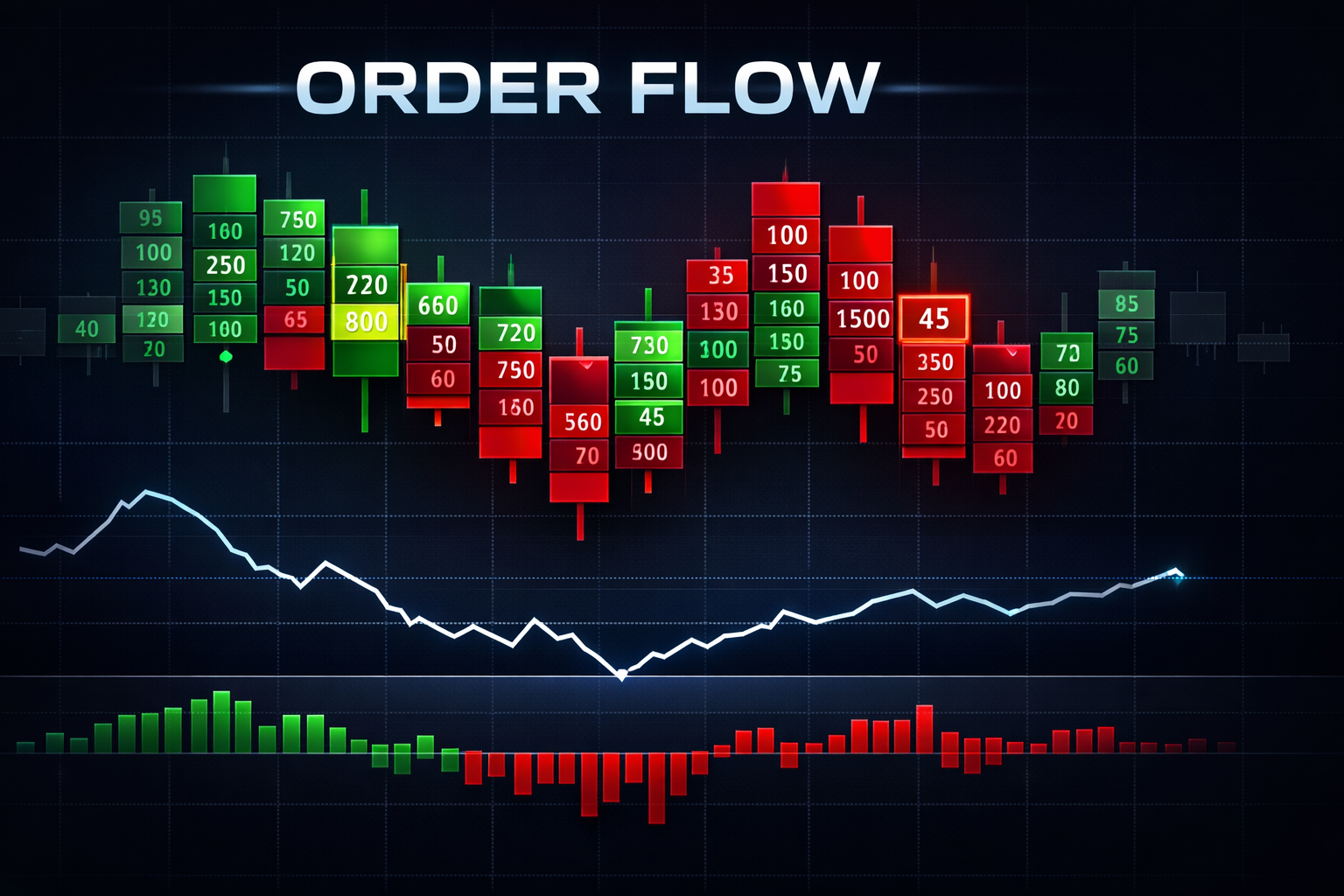
For even deeper analysis, combine Volume Profile with Order Flow Delta to see buying versus selling pressure at each level. Understanding not just where volume occurred but the directional intent behind that volume provides powerful confluence for trade decisions.
NinjaScript Implementation
Building a Volume Profile indicator in NinjaScript requires accumulating volume data at each price level and tracking which level has the highest volume (POC). The following conceptual example demonstrates the core approach for volume-at-price accumulation.
namespace NinjaTrader.NinjaScript.Indicators
{
    public class VolumeProfileConcept : Indicator
    {
        private Dictionary<double, double> volumeByPrice;
        private double poc;

        protected override void OnStateChange()
        {
            if (State == State.SetDefaults)
            {
                Description = "Volume Profile Concept";
                Name = "VolumeProfileConcept";
                Calculate = Calculate.OnBarClose;
            }
            else if (State == State.DataLoaded)
            {
                volumeByPrice = new Dictionary<double, double>();
            }
        }

        protected override void OnBarUpdate()
        {
            double price = Close[0];
            double tickSize = TickSize;
            double roundedPrice = Math.Round(price / tickSize) * tickSize;

            if (!volumeByPrice.ContainsKey(roundedPrice))
                volumeByPrice[roundedPrice] = 0;

            volumeByPrice[roundedPrice] += Volume[0];

            // Track POC as max volume price
            poc = volumeByPrice.OrderByDescending(kvp => kvp.Value).First().Key;
        }
    }
}
To calculate the Value Area, start at the POC and alternately add the volume rows immediately above and below, selecting whichever side has more volume, until 70% of total volume is captured. Production implementations typically use tick-level data for accuracy and include rendering logic for the visual histogram display.
Consider pairing VP levels with candle math analysis to filter entries by candle strength at key Volume Profile levels.
Settings and Configuration
Configuring Volume Profile correctly ensures the indicator provides actionable information for your trading style. Here are the key parameters to understand.
Profile Type
Choose between Session (daily), Composite (multi-day), or Fixed Range. Session profiles suit day traders. Composite profiles reveal longer-term structure for swing traders. Fixed Range profiles let you analyze specific price moves or consolidation periods.
Resolution (Ticks per Row)
Resolution determines how many price ticks are grouped into each row of the histogram. Higher values (more ticks per row) create a smoother profile with fewer levels, suitable for higher timeframe analysis. Lower values (fewer ticks per row) provide granular detail but can appear noisy. Most traders start with a resolution that produces 50-100 rows for their typical profile period.
Value Area Percentage
The default 70% Value Area represents approximately one standard deviation from the mean in a normal distribution. Some traders prefer 68.2% for statistical precision, while others use custom percentages based on their backtesting. Experimenting with 80% Value Area can identify broader consensus zones.
Color Settings
Customize colors for the POC line (typically a bright, contrasting color), Value Area shading (often a semi-transparent fill), HVN highlighting, and LVN zones. Good color choices make the profile instantly readable. Many traders use warm colors (red, orange) for selling zones and cool colors (blue, green) for buying zones.
Historical Profiles
Configure how many past session profiles remain visible on the chart. Too many profiles clutters the display, while too few loses valuable context. Most day traders display 3-5 prior sessions, while swing traders may show 10-20 sessions of history.
Frequently Asked Questions
What is Volume Profile in NinjaTrader?
Volume Profile is a charting indicator that displays trading activity at specific price levels, helping traders identify key support and resistance zones based on actual traded volume. Unlike traditional volume bars that show volume per time period, Volume Profile shows volume at each price level, revealing where the most trading activity occurred.
How do I install Volume Profile on NinjaTrader 8?
To install, download the .zip file, open NinjaTrader 8, go to Tools > Import > NinjaScript Add-On, and select the downloaded file. After importing, you can add the indicator to your chart via Indicators menu.
What is the Point of Control (POC)?
The Point of Control (POC) is the price level with the highest traded volume within a specified time period. It represents the fairest price where the most trading activity occurred and where buyers and sellers found the most agreement. Price tends to be attracted to the POC and often uses it as a pivot point.
What is the Value Area and how is it calculated?
The Value Area contains approximately 70% of the trading volume within a profile period. It is calculated by starting at the POC and adding volume rows above and below alternately until 70% of total volume is captured. The upper boundary is the Value Area High (VAH) and lower boundary is the Value Area Low (VAL).
How do I trade using Volume Profile levels?
Trade Volume Profile by watching for price reactions at key levels. Enter longs when price retests POC from above with bullish confirmation, or short when price rejects from VAH. The 80% rule suggests if price opens outside the VA and then enters it, there is an 80% chance it will traverse to the other side.
What is the difference between HVN and LVN?
High Volume Nodes (HVN) are price levels with significant trading activity where price tends to consolidate and find support or resistance. Low Volume Nodes (LVN) are areas with minimal activity where price moves quickly through. HVNs attract price while LVNs repel it.